
MY Learning Journey as a SOC Analyst: The Threat Hunting Process
MY Learning Journey as a SOC Analyst: The Threat Hunting Process
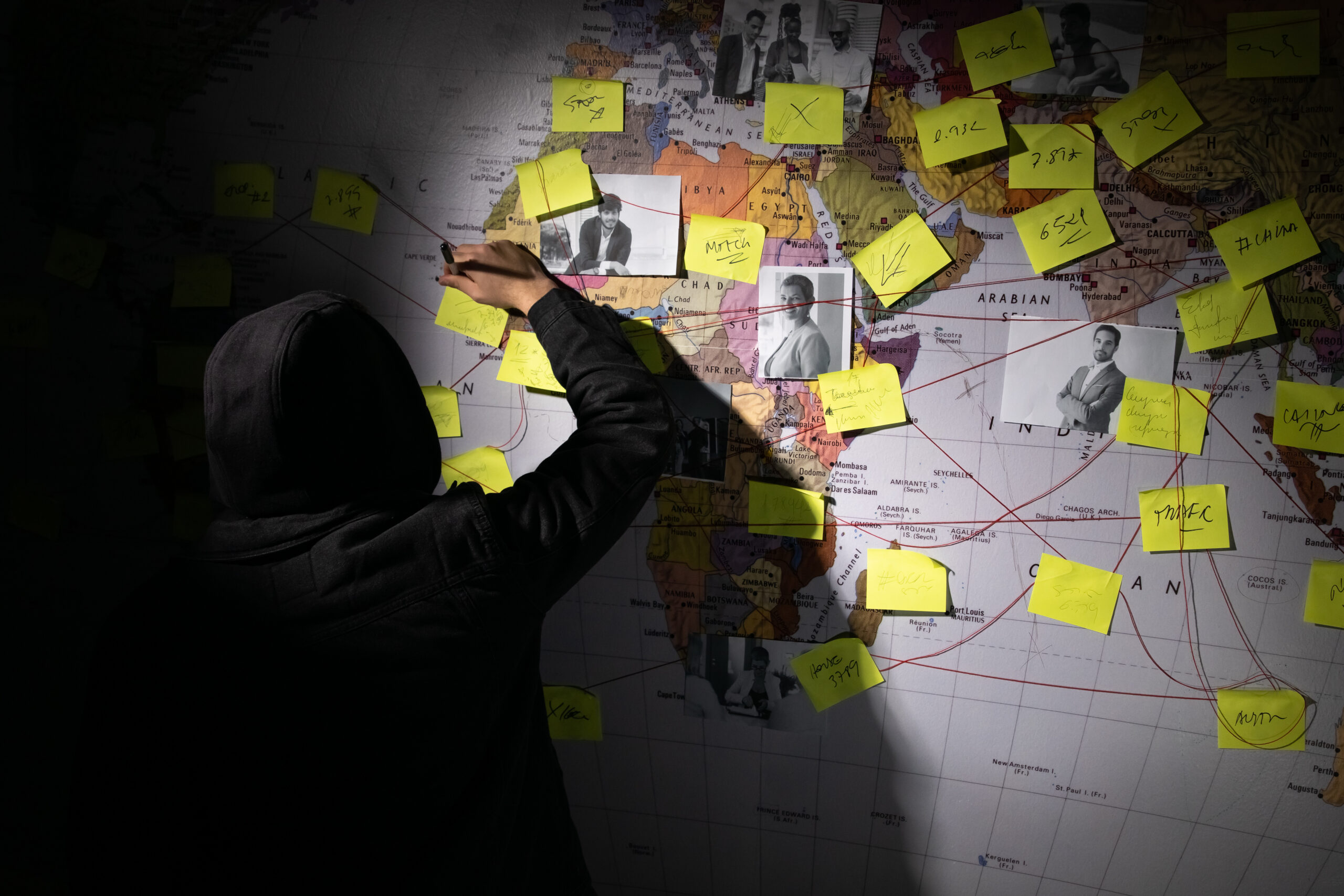
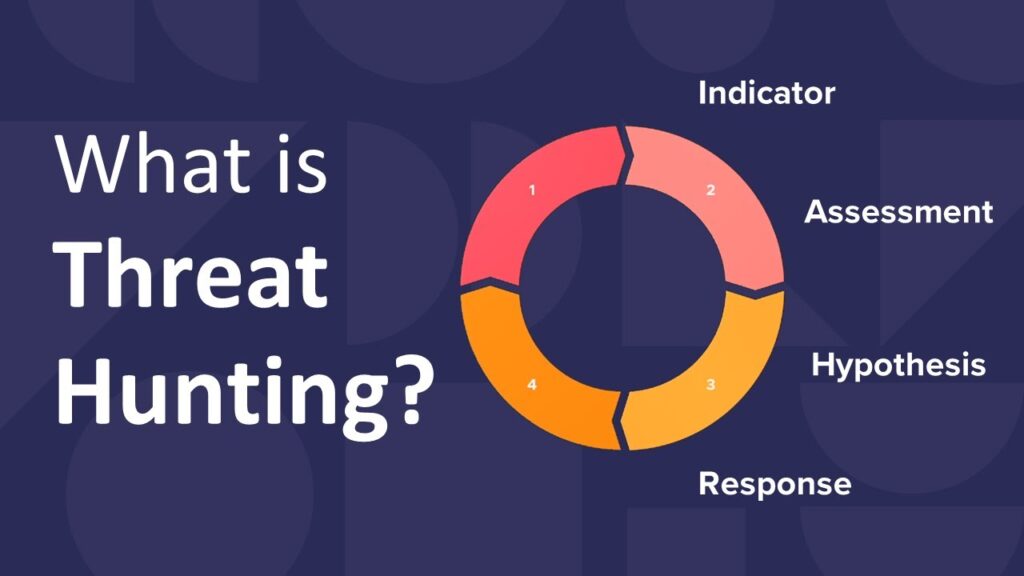
When I first started digging into the threat hunting process, I thought it was just about finding bad stuff hiding in logs. But this module in HTB showed me it’s way more structured, almost like the scientific method applied to cybersecurity. It’s part art, part science, and as a SOC analyst, I realized threat hunting is where curiosity meets discipline.
In this post, I’ll walk you through what I learned, how each phase of the process plays out, and then tie it all together with a real-world example: hunting down the infamous Emotet malware.
What Threat Hunting Really Means
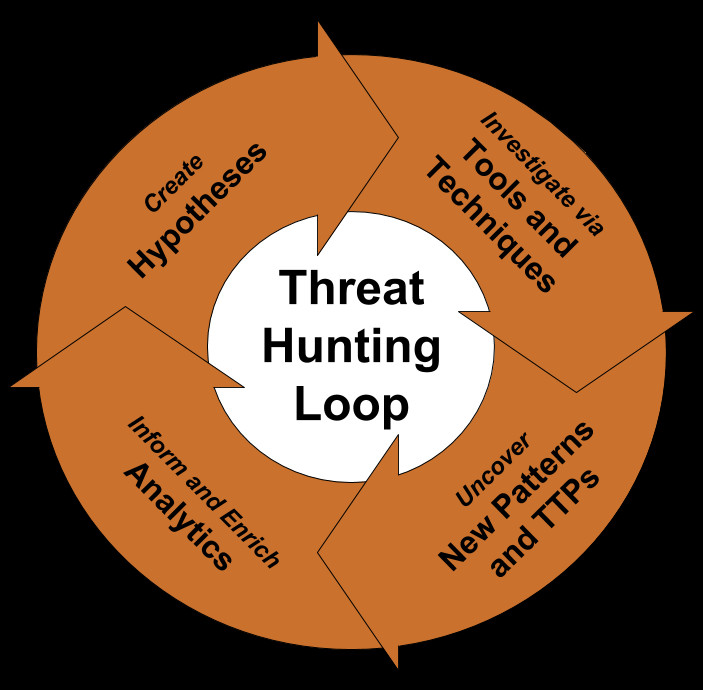
Threat hunting isn’t the same thing as monitoring alerts. It’s proactive, not reactive. Instead of waiting for the SIEM to light up with a red flag, hunters start with a hypothesis: what if there’s an attacker already inside the network? From there, they build searches, dig into logs, and try to prove or disprove that hunch.
What makes this so powerful is that hunting exposes things tools might miss. Maybe the attacker used valid credentials, or maybe the malware blended into normal network traffic. Hunting is about asking those “what if” questions and chasing the evidence until you’re satisfied.
The Threat Hunting Lifecycle (What I Learned Step by Step)
1. Setting the Stage
This phase is all about preparation. I learned quickly that hunting only works if your environment is ready. That means:
- Having rich telemetry (endpoint process logs, DNS queries, mail gateway logs, proxy data).
- Making sure SIEM, EDR, and IDS tools are properly tuned.
- Keeping threat intelligence feeds up-to-date.
If you don’t have the right data, you can’t even start. For example, without endpoint logs showing process creation, you’d never spot a Word document silently launching PowerShell in the background.
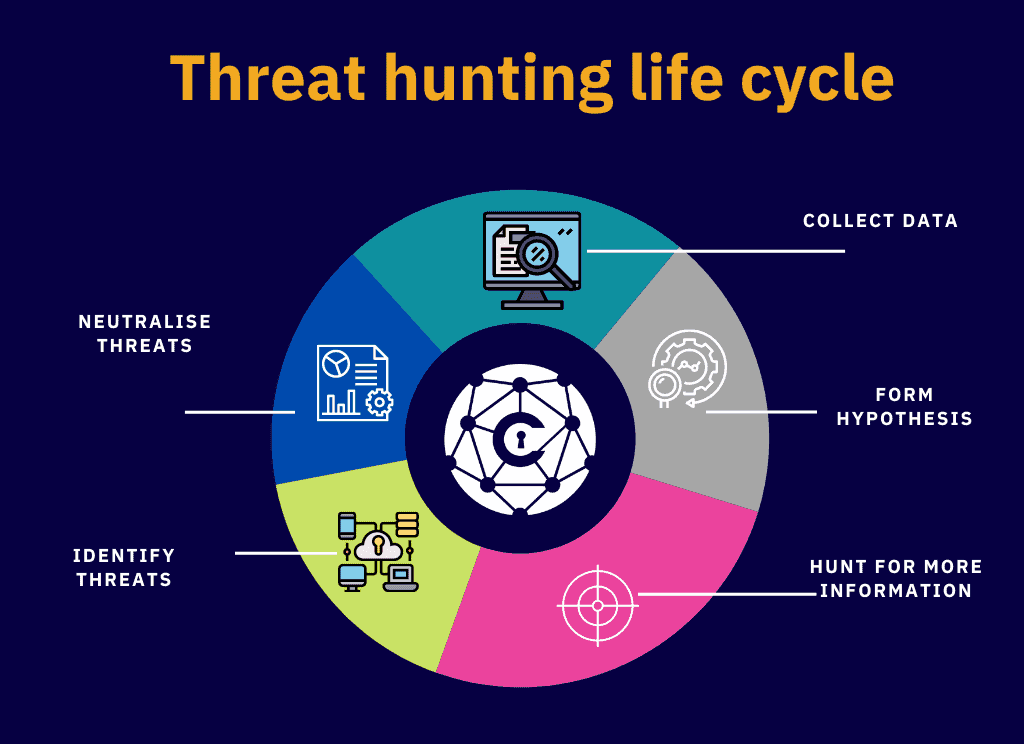
2. Formulating Hypotheses
Good hunts start with a guess, but not a wild one. Hypotheses should come from threat intel, industry reports, or even suspicious alerts.
Instead of saying “something’s wrong,” I learned to frame it like:
“An attacker is using phishing emails with macro-enabled Word docs to gain access.”
That’s specific, testable, and gives me something to actually look for.
3. Designing the Hunt
This is where strategy comes in. You pick the data sources, queries, and tools you’ll use to test your hypothesis.
If I’m chasing phishing-based Emotet infections, my design would look like this:
- Check mail server logs for attachments with .docm or macros.
- Query EDR for process chains like winword.exe → powershell.exe.
- Review DNS/proxy logs for outbound connections to suspicious domains.
By planning ahead, I don’t waste time searching random logs, I go straight to where evidence should live.
4. Data Gathering & Examination
Now comes the hands-on hunting. I dive into logs, run queries, and look for anomalies. The trick is starting broad and then narrowing in.
For example:
- Search for all Office documents opened in the last 14 days.
- Filter to the ones that spawned child processes.
- Zoom in on cases where those child processes include PowerShell or rundll32.
This is where creativity really helps. Each suspicious artifact can spark new questions, maybe a domain looks weird, so I pivot into DNS logs. Maybe a PowerShell command looks encoded, so I decode it and see what the attacker tried to do.
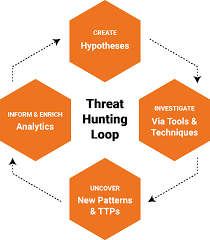
5. Evaluating Findings & Testing Hypotheses
Here’s the make-or-break moment: does the data support or disprove the hypothesis?
In one exercise, the logs showed repeated failed login attempts from an IP tied to a known threat actor. That confirmed my suspicion of a brute-force attempt. In another case, I found connections to domains listed on an Emotet C2 feed. That told me the infection wasn’t hypothetical, it was happening.
This phase taught me to connect the dots and map out the impact. It’s not just “yes or no” it’s:
- What systems are affected?
- What’s the attacker’s behavior?
- How deep did they get?
6. Mitigating Threats
If the hunt proves something real, action is immediate. That means isolating systems, cutting off command-and-control traffic, removing malware, or patching exploited vulnerabilities.
What stood out to me is how teamwork matters here. Threat hunters hand off to incident responders, but they also guide them with context: “Here’s the process chain, here are the C2 domains, here’s the user account involved.” Without that, response is just guesswork.
7. After the Hunt
This part is about turning lessons into long-term value. I learned the importance of documenting:
- The hypothesis I tested.
- The queries I wrote.
- The evidence I found.
- The changes we made (new detection rules, updated playbooks).
That way, the next time someone wants to hunt Emotet, they’re not starting from scratch, they’ve got a playbook ready.
8. Continuous Learning
Finally, hunting never ends. Attackers evolve, so hunts need to evolve too. The module emphasized keeping up with the latest intel, adopting new detection techniques (like behavioral analytics or machine learning), and constantly reviewing what worked and what didn’t.
It’s a cycle of improvement, every hunt should make the next one better.
Case Study: Hunting Emotet
To make all of this real, I walked through an exercise on how the lifecycle applies to Emotet, one of the most notorious pieces of malware.
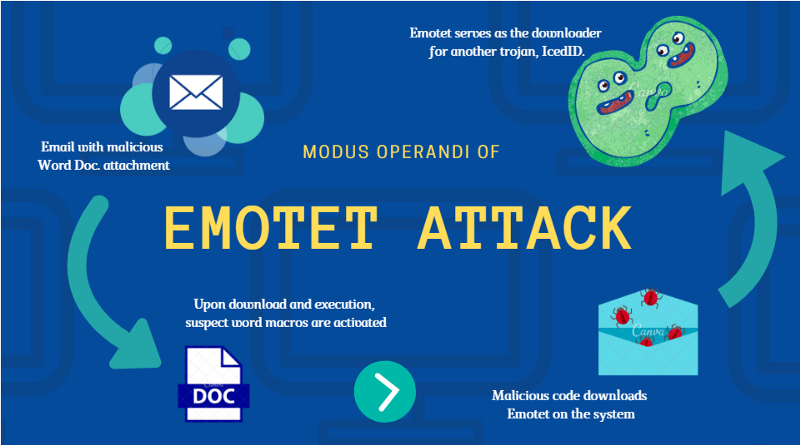
Here’s how the phases looked in action:
- Stage Setting: Researched Emotet’s known TTPs phishing with macro docs, lateral movement, C2 traffic. Verified that email logs, EDR telemetry, and DNS data were available.
- Hypothesis: “Emotet is being delivered via phishing emails with Word attachments that spawn PowerShell.”
- Design: Focused on email logs (attachments, senders), endpoint logs (Office processes spawning PowerShell/rundll32), and network logs (outbound traffic to known C2s).
- Hunt: Queried SIEM for suspicious process chains, scanned DNS logs for new/malicious domains, sandboxed suspect Word files.
- Evaluate: Found process trees that matched Emotet behavior, plus outbound traffic to known malicious IPs, hypothesis confirmed.
- Mitigation: Isolated infected hosts, blocked C2 domains, removed malware, and patched exploited systems.
- After the Hunt: Documented queries, updated SIEM rules, and improved phishing training for end-users.
- Continuous Learning: Subscribed to new Emotet threat intel feeds and tuned detection rules for evolving variants.
This example tied everything together. It showed me that hunting isn’t just theory, it’s a practical, step-by-step discipline that works against even complex threats.
Key Takeaways
- Hunting is proactive, not reactive. You don’t wait for an alert; you go looking.
- Hypotheses give you focus. Without them, hunts get messy and unfocused.
- Telemetry is your lifeblood. Without good logs, you’re blind.
- Every hunt adds value. Documenting and sharing findings turns one analyst’s effort into organizational strength.
- Threats evolve, so should you. Stay updated, refine your playbooks, and keep learning.
This module was a big shift for me as a SOC analyst. It taught me how to combine curiosity with structure, how to use the right data to prove or disprove a hunch, and how to turn findings into stronger defenses for the whole organization.
If I had to sum it up: threat hunting is the science of asking “what if?” and then using data to answer it.